Identify my Device

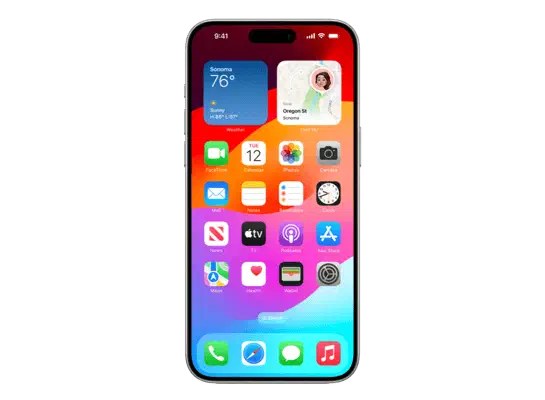
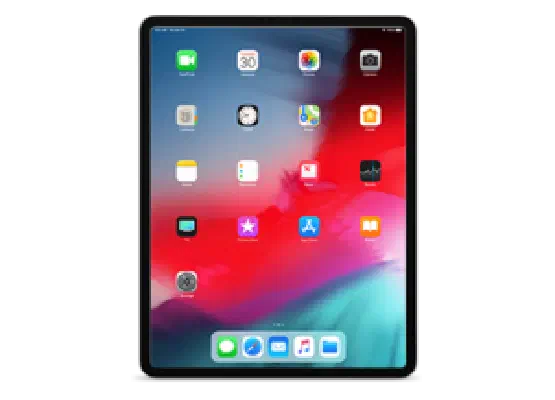
This tool aims to help you identify which iOS device you have. Make sure you have your device with you, and we can get started! First off, choose your device type from the tabs below.

From the Apple TV Home screen, choose Settings → General → About and check the Model.

Enter the number you see below.More information can be found at Apple’s website

Enter your Model Number

The Device Finder is powered by Reincubate. You can learn lots more about Apple devices with their Lookup App. It’s free on the web and iOS.
Similar Posts

  • Identify my Device

    This tool aims to help you identify which iOS device you have. Make sure you have your device with you, and we can get started! First off, choose your device type from the tabs below. To see the model number on your Apple Watch, tap Settings → General → About, then scroll down to Model. Enter…

  • Identify my Device

    This tool aims to help you identify which iOS device you have. Make sure you have your device with you, and we can get started! First off, choose your device type from the tabs below. The easiest way to identify the iPhone is by its “A” model number. You can find it by doing the…

  • Identify my Device

    This tool aims to help you identify which iOS device you have. Make sure you have your device with you, and we can get started! First off, choose your device type from the tabs below. The easiest way to identify the iPad is by its “A” model number. You can find it by doing the…

Leave a Reply

Your email address will not be published. Required fields are marked *